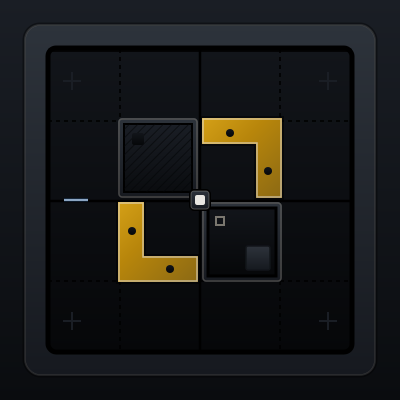
01-container
Container
Constrain page width so content stays readable and focused.
02-grid
Grid
Divide space into columns so layouts align and scale cleanly.
03-stack
Stack
Arrange elements in one direction with consistent spacing rhythm.
04-divider
Divider
Separate related groups without adding heavy visual chrome.
05-navbar
Navbar
Provide top-level wayfinding and global actions.
06-sidebar
Sidebar
Support deep navigation without crowding top-level controls.
07-tabs
Tabs
Switch between peer views in the same content context.
08-breadcrumbs
Breadcrumbs
Show hierarchical path so users can move upward quickly.
09-card
Card
Group related information into a bounded, scannable surface.
10-badge
Badge
Apply compact status labels without competing with primary content.
11-avatar
Avatar
Represent people with visual identity and fallback initials.
12-accordion
Accordion
Progressively reveal dense details without leaving the page.
13-button
Button
Trigger deliberate actions with clear hierarchy and state feedback.
14-text-input
Text Input
Capture short-form text with clear labels and validation feedback.
15-select
Select
Let users choose one option from a predefined list.
16-checkbox
Checkbox
Capture independent true/false choices and multi-select options.
17-toast
Toast
Deliver brief non-blocking feedback for completed actions.
18-alert
Alert
Show persistent inline messaging for important system states.
19-progress-bar
Progress Bar
Reveal task advancement so users understand waiting and completion.
20-modal
Modal
Focus attention on high-stakes decisions with temporary overlay dialogs.