Alignment
Shared edges make layouts feel deliberate and connected.
Also heard as: visual alignment, edge alignment
Definition
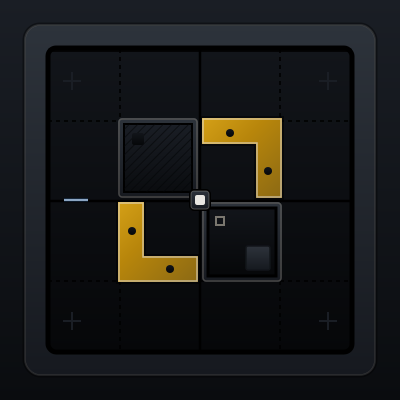
Alignment is the practice of lining elements up along common edges, baselines, or axes so the layout feels intentional.
Why it matters
Alignment creates trust. When items float off-grid or miss each other by a few pixels, the interface reads as improvised and harder to scan.
Visual comparator
Prompt language
- Align the card titles, metadata, and actions to one internal grid instead of centering each block independently.
- Snap the hero copy and nav structure to the same container so the page feels like one system.
Anti-patterns
- Centering and left-aligning adjacent content blocks without a clear reason.
- Letting icons, labels, and actions drift off shared edges between repeated cards.
When to research more
Research more when the layout includes multiple regions, data density, or localization constraints that can break baseline and edge alignment.
Related components
Container
Constrain page width so content stays readable and focused.
Grid
Divide space into columns so layouts align and scale cleanly.
Breadcrumbs
Show hierarchical path so users can move upward quickly.