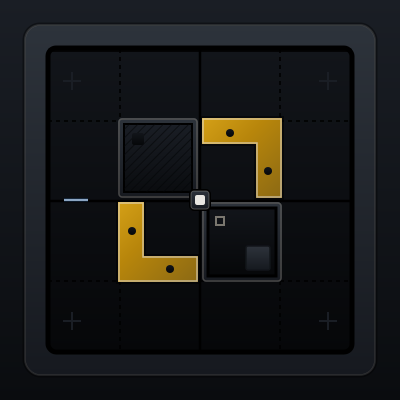
Contrast
Difference creates emphasis. Similar things blend together and lose priority.
Also heard as: visual contrast, emphasis contrast
Definition
Contrast is the difference in size, weight, color, value, or shape that makes one element stand out from another.
Why it matters
Without enough contrast, important actions and states disappear into the interface. With too much everywhere, nothing feels important.
Visual comparator
Prompt language
- Increase contrast between the primary button and the surrounding neutral controls.
- Use stronger value contrast for the alert title so the warning reads before the detail text.
Anti-patterns
- Relying on tiny color shifts that only designers can see.
- Making every button bright, bold, and elevated so there is no true primary action.
When to research more
Research more when the interface must meet accessibility contrast standards, support several semantic states, or work across light and dark themes.
Related components
Button
Trigger deliberate actions with clear hierarchy and state feedback.
Alert
Show persistent inline messaging for important system states.
Progress Bar
Reveal task advancement so users understand waiting and completion.